


The latest Windows 11 Insider build restores support for moving the Taskbar to different sides of the screen while adding a new compact Taskbar mode and several interface improvements.
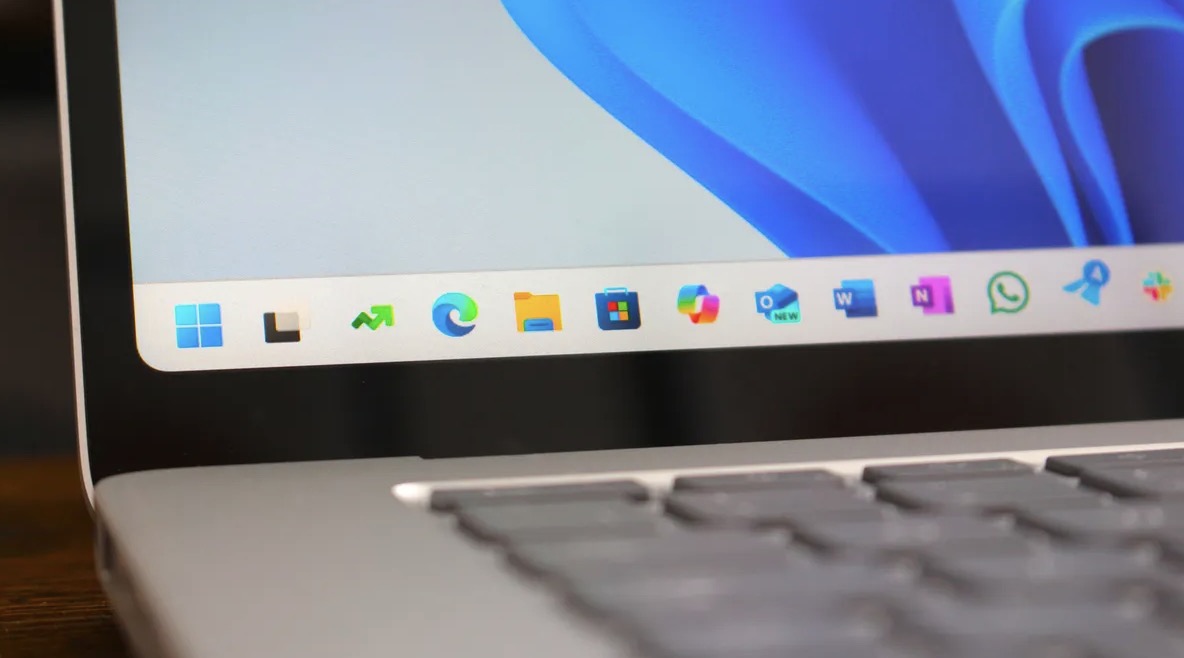
Microsoft has begun testing one of the most requested Windows 11 features since the operating system first launched: the ability to move and resize the Taskbar. The long-awaited customization option is now available to users in the Windows Insider Experimental Channel through the latest preview build, signaling a major shift in Microsoft’s approach to restoring legacy functionality that many users felt was missing from Windows 11.
For years, Windows users could freely position the Taskbar on any edge of the screen, including the top and both sides. However, when Windows 11 debuted, Microsoft removed that flexibility and locked the Taskbar to the bottom of the display. The decision sparked widespread criticism from enthusiasts and power users who relied on customized desktop layouts.
With Windows 11 Build 26300.8493, Microsoft is finally bringing the feature back into testing. Users can now reposition the Taskbar to the top, left, or right side of the screen through the Settings menu under Personalization > Taskbar > Taskbar behaviors. The update also supports several familiar Taskbar customization options in these new positions, including smaller icons and the ability to avoid combining Taskbar buttons.
Although the feature is functional, Microsoft says some elements are still under development. Touch gestures, the integrated Search box, and Ask Copilot support are not yet fully optimized for alternate Taskbar locations. Auto-hide functionality and the touch-optimized Taskbar are also currently unavailable when the Taskbar is placed outside the default bottom position.
In addition to movable Taskbars, the new Insider build introduces a compact Taskbar mode designed for users who want more screen space, particularly on smaller laptops and tablets. When enabled, the Taskbar becomes shorter and its icons shrink proportionally, while core interface elements such as Start, Search, and the system tray automatically adjust to maintain consistency.
Microsoft is also continuing to refine the Widgets experience. Taskbar notification badges for Widgets will now adopt the user’s Windows accent color rather than always appearing in red, a change intended to make the interface feel less intrusive. The company is additionally experimenting with adaptive Widget notifications that respond to how actively a user engages with Widgets.
The update includes several improvements across the broader operating system as well. Windows Search is being adjusted to prioritize local files and applications more effectively over web results. Voice typing and voice access gain expanded support for smoother dictation in Spanish and French, powered by on-device language models designed for faster and more private processing.
On the visual side, Microsoft is refreshing several classic Windows loading animations with a new unified “donut” spinner that appears during startup, shutdown, updates, and login screens. The company says the goal is to create a more modern and visually consistent user experience throughout the operating system.
Several reliability improvements are also included in the build, including fixes for File Explorer, desktop switching, system sleep behavior, SSDP notifications, and DISM recovery commands.
The return of Taskbar repositioning is part of Microsoft’s broader effort to improve Windows 11 following sustained feedback from the community. While larger changes are still expected in future updates, the reintroduction of a movable Taskbar represents an important step toward restoring customization features longtime Windows users have missed since the transition from Windows 10.