



Apple has rolled out iOS 27.2.1, iPadOS 27.2.1, macOS 27.2.1, and updates for other platforms, focusing on bug fixes, system stability, and performance improvements rather than introducing new features.
Apple has begun distributing a new round of software updates across its device ecosystem, bringing minor but potentially important improvements to iPhone, iPad, Mac, Apple Watch, and Apple Vision Pro users.
The latest releases carry the version number 27.2.1 and follow Apple’s broader 27.2 software rollout on October 26, 2026. While the company is already testing the upcoming 27.3 versions with developers, these additional updates address issues affecting devices running the current operating system generation.

Unlike major software releases, point updates such as version 27.2.1 generally prioritize system maintenance. Users can expect bug fixes, security-related improvements, and refinements intended to enhance overall reliability rather than significant changes to the user interface or new features.
Apple Provides Device-Specific Software Builds
One notable aspect of this release is the use of different build numbers for certain hardware configurations. Apple appears to have prepared dedicated software versions for specific products, including the iPhone Duo and several newer Mac models.
The available updates include:
- iOS 27.2.1: Build 24B8156.
- iOS 27.2.1 for iPhone Duo: Build 24B91034.
- iPadOS 27.2.1: Build 24B8156.
- macOS 27.2.1: Build 26B131.
- macOS 27.2.1 for M6 MacBook Pro and iMac: Build 26B7131.
- macOS 27.2.1 for PROLED MacBook Pro: Build 26B8132.
- visionOS 27.2.1: Build 24N124.
- watchOS 27.2.1: Build 24S132.
The separate build identifiers indicate that Apple is tailoring portions of the update package to particular hardware products rather than distributing an identical software build across every compatible device.
Apple has not highlighted any major user-facing additions in this release. However, installing incremental updates remains important, particularly when they include security patches and fixes for problems that could affect everyday device usage.
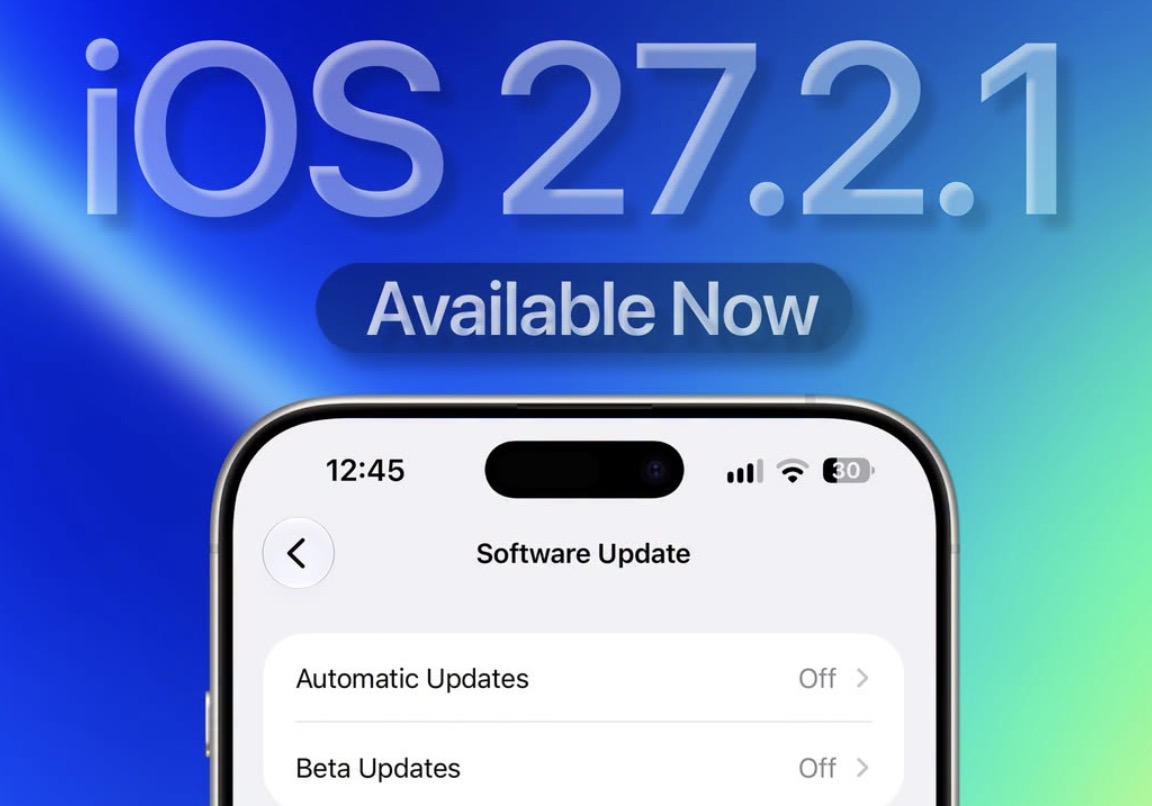
How to Install iOS 27.2.1 on an iPhone
iPhone users can check for the latest software version directly through the Settings application.
To install the update manually:
- Open Settings on your iPhone.
- Select General.
- Tap Software Update.
- Wait for the device to check for available updates.
- Select iOS 27.2.1 and follow the on-screen instructions.
Users who have enabled automatic software updates may receive the new version without needing to initiate the process manually.
As with other system updates, Apple recommends keeping compatible devices on the latest available software to benefit from ongoing maintenance, security improvements, and system reliability enhancements.