



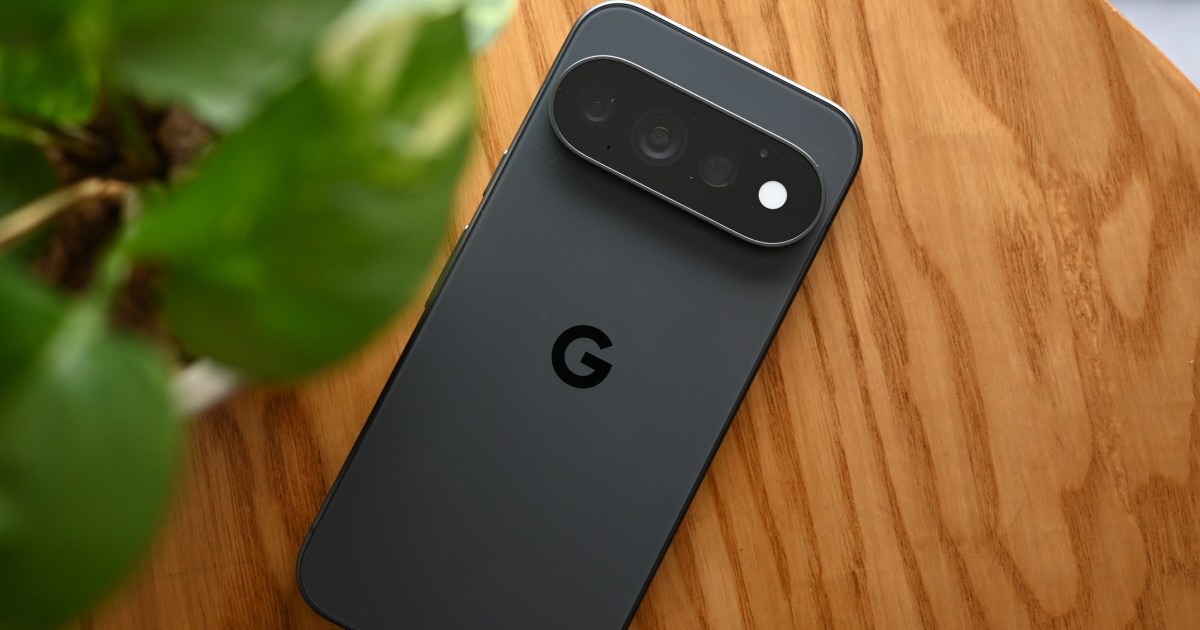
Google Pixel introduces Create My Widget, new icon styles and a HiLight update that works with Google Messages in the November Pixel Drop.
Quick summary
- Create My Widget lets users generate AI widgets from a description
- 10 new Custom Icon Styles powered by Nano Banana AI
- HiLight now alerts when contacts message you on Google Messages
Google Pixel receives a suite of new features in the November Pixel Drop, adding an AI‑driven widget creator, fresh icon styles and an enhanced HiLight function.

AI‑created widgets
The Create My Widget tool lets users describe the widget they want, and Google’s AI generates a matching home‑screen widget, with a set of curated suggestions available for quick selection.
The feature is rolling out to Pixel 10 and Pixel 11 series devices, including the foldable models, and will later arrive on Pixel Watch 4 and Pixel Watch 5.
Custom icons and HiLight upgrade
Custom Icon Styles gains ten new designs powered by the Nano Banana AI model, delivering sharper icons; these styles are available on Pixel 6a and newer phones worldwide.
HiLight is also expanded to work with Google Messages, lighting up the phone when a favorite contact sends a text, reducing the need to constantly check the device.
The HiLight enhancement is present on Pixel 11 Pro, Pixel 11 Pro XL and Pixel 11 Pro Fold, and the entire Pixel Drop rollout begins on November 10.
Our take
Enabling AI‑generated widgets gives Pixel users deeper personalization options, aligning with broader industry moves toward AI‑assisted UI customization. The addition of new icon styles and the HiLight‑Messages integration further differentiates the Pixel line by enhancing visual appeal and practical notification handling.
Source: Digital Trends. This article was rewritten by TechTimes with the help of AI. Please refer to the original report for full details.