





Google has enabled Gemini for Mac to interact with apps, files and websites, allowing the AI to perform multi‑step tasks on Apple silicon Macs for AI Plus, Pro and Ultra subscribers.
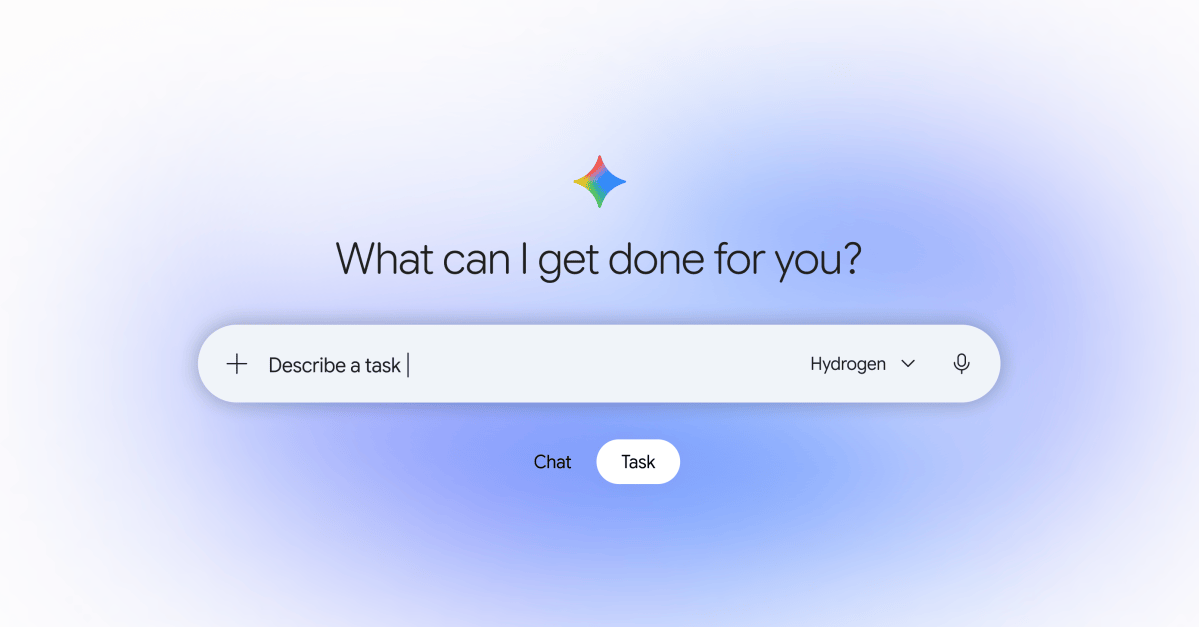
Google announced that Gemini for Mac can now operate other applications, manipulate files and browse websites to complete complex tasks while users work in the foreground. The AI runs in an isolated window that shows a live preview of its actions, letting users monitor progress in real time.
The system can handle repetitive actions such as clicking, typing, navigating menus and filling forms. Users select which apps Gemini may access, and the assistant requests approval before performing any "key actions" that could affect data or settings.

Google cites batch photo editing, preparing resale listings and converting metrics and screenshots into presentations as practical use cases. The feature is available ahead of Apple’s macOS 13.3 rollout, which will introduce clearer permission prompts and a transparency indicator for apps that control other software.
Gemini for Mac can be downloaded from Google’s website and runs exclusively on Apple silicon Macs. Access is limited to Google AI Plus, Pro and Ultra plans in the United States, with subscriptions starting at $4.99 per month.

TechTimes Commentary
TechTimes notes that Gemini’s new Mac‑control capability marks a significant step toward deeper AI integration in desktop workflows. By automating routine UI interactions, the feature could reshape productivity tools, especially for power users who rely on batch processing. However, its restriction to Apple silicon and U.S.‑only subscription tiers limits immediate global impact. The timing aligns with Apple’s upcoming macOS 13.3 privacy updates, suggesting both companies are preparing for more transparent AI‑driven permissions. If Google expands Gemini’s availability beyond the current market, it may pressure competing AI assistants to offer comparable desktop automation.”]}