



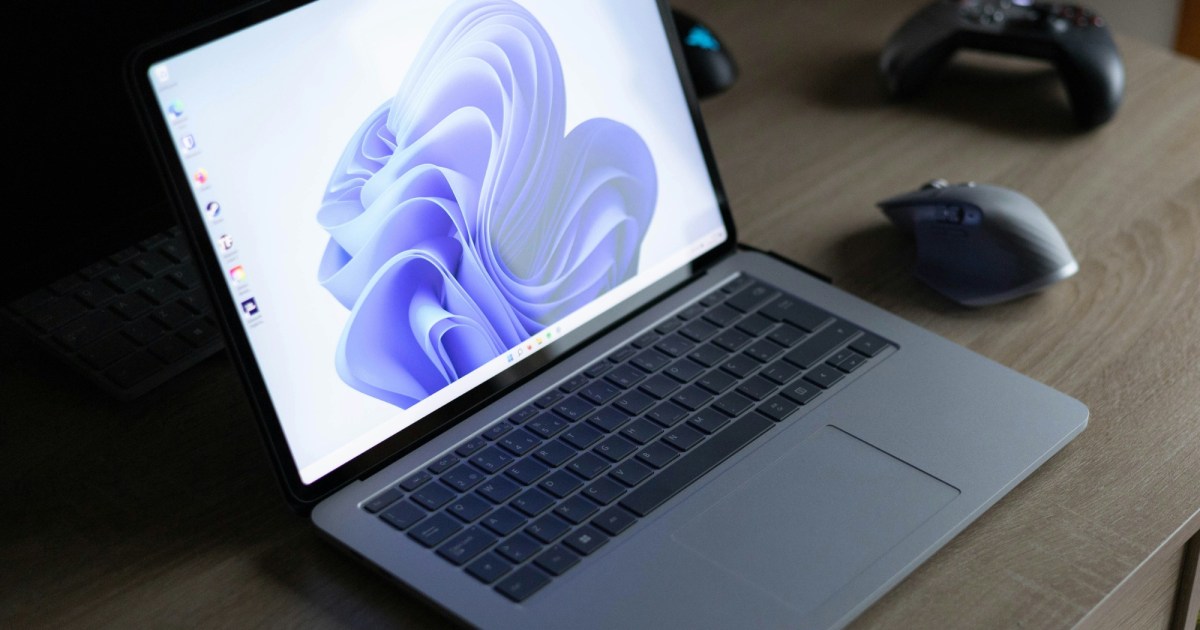
Microsoft began rolling out the Windows 11 November update (KB5132061) this week, delivering a quicker File Explorer, faster Microsoft Edge launch and a new Cloud Rebuild recovery option that restores the system directly from Windows Update.
Performance tweaks for everyday tasks
The Windows 11 November update started reaching PCs early this week, aiming to shave seconds off routine interactions. Microsoft Edge now opens noticeably faster even when other applications are running in the background. The right‑click menu in File Explorer has been streamlined, showing fewer items and responding more promptly. For gamers using Xbox mode, a refreshed task view makes returning to the desktop or shutting down the PC simpler.

These adjustments require no special hardware, as they stem from code optimisations and reduced UI latency. Users should notice smoother folder navigation, quicker window switching, and a more responsive browser launch. Microsoft has indicated a phased rollout, so some machines may not receive every change immediately.
Cloud Rebuild simplifies system recovery
The headline feature, Cloud Rebuild, allows Windows 11 to download a clean operating system image together with the appropriate drivers straight from Windows Update. This eliminates the need for a USB installer or a locally stored recovery file. When a PC encounters a serious fault, selecting Cloud Rebuild in the recovery menu initiates an automated reinstall.
The process also pulls the latest driver packages, reducing post‑install compatibility issues. Microsoft advises users to back up important data beforehand, as Cloud Rebuild wipes the system partition. Currently, the feature is available for Windows 11 version 22H2 and later, and will be enabled gradually across eligible devices.
Accessibility upgrades improve readability
In the accessibility arena, the Magnifier tool receives several enhancements. Users can now toggle contrast themes on the fly, set independent zoom levels for each monitor, and lock the zoomed region on one screen while working on another. These options aim to lessen eye strain and make multi‑monitor setups more comfortable for reading and detailed work.
Microsoft also released a set of "tips of the month" that guide users on adjusting brightness, background colour, and font settings for optimal legibility. The overall focus of the Windows 11 November update is to refine the user experience rather than flood the OS with new features. If the rollout proceeds smoothly, Windows 11 users can expect a more stable and user‑friendly environment.
TechTimes analysis
TechTimes believes the Windows 11 November update represents a pragmatic shift by Microsoft toward polishing the core experience rather than introducing headline‑grabbing features. Faster Edge launches and a snappier Explorer address everyday productivity concerns for both enterprise and gaming audiences, while Cloud Rebuild could dramatically cut downtime after system failures, strengthening confidence in the Windows ecosystem. The Magnifier enhancements signal continued commitment to accessibility, an increasingly important differentiator in multi‑monitor workspaces. Assuming a uniform rollout, these refinements should help maintain Windows 11's competitiveness in the desktop OS market.